
Animation Software
Retargeter
Polished facial animation for production character pipelines.
Retargeter applies Faceware performance data to your rig through a pose-based workflow built for games, film, television and other final-quality animation work.

Autodesk Maya, 3DS Max and MotionBuilder Plug-In
Apply motion data from Portal directly onto your rig
Clean curve data that is easier for users to work with
Python, Maxscript and MEL commands create automated workflows
General Workflow for Retargeter 5.0

Character Setup is a one-time process per character that typically takes 10–30 minutes. You map your rig controls to facial regions so Retargeter knows where to apply animation, then optionally create an Expression Set for AutoSolve.
The result is a lightweight XML file that pairs with every performance you open for that character going forward.
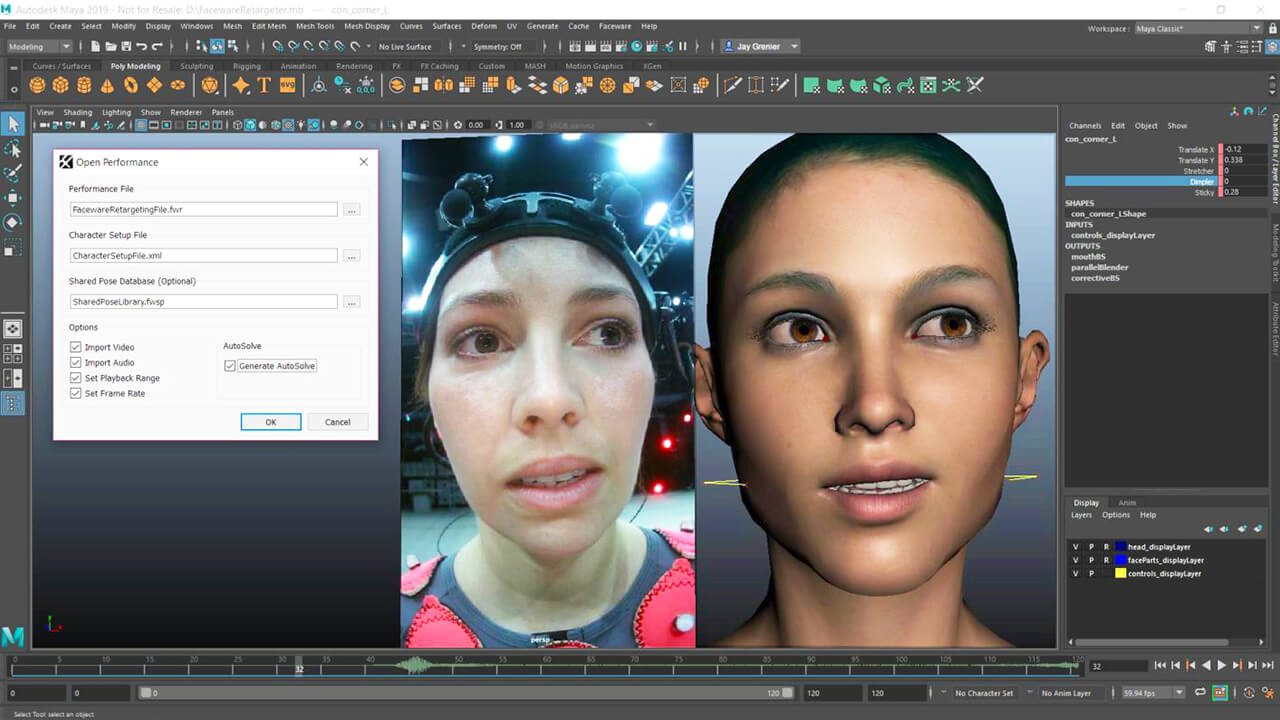
Open a performance by selecting your .fwr tracking file from Portal and the character setup XML you created earlier. Optionally load a Shared Pose Database for pre-approved poses.
From there you can import reference video, set your frame range and frame rate and generate an initial AutoSolve pass before refining manually.
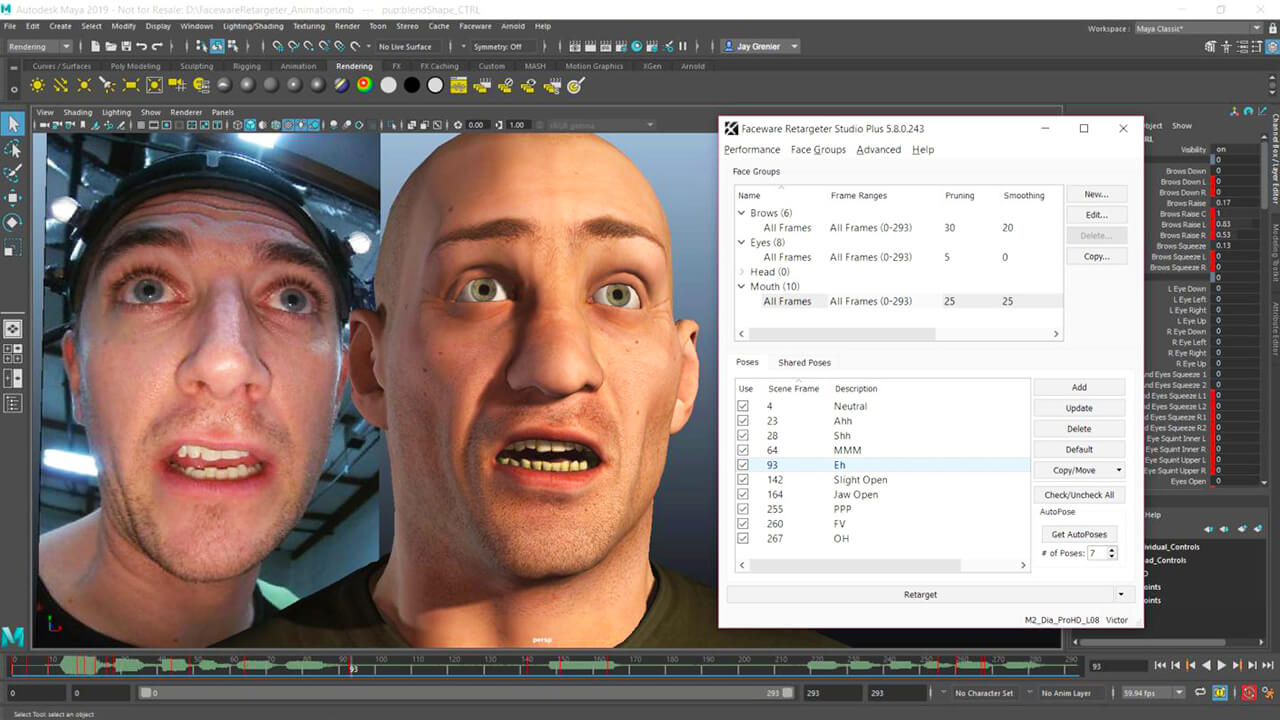
Pose Groups organize your rig controls by facial region — mouth, eyes, brows, head. You create poses on frames where the most extreme or distinct shapes occur, and Retargeter uses those poses to calculate animation across the entire shot.
Adjust, add or remove poses and re-solve in near realtime until the performance feels right.
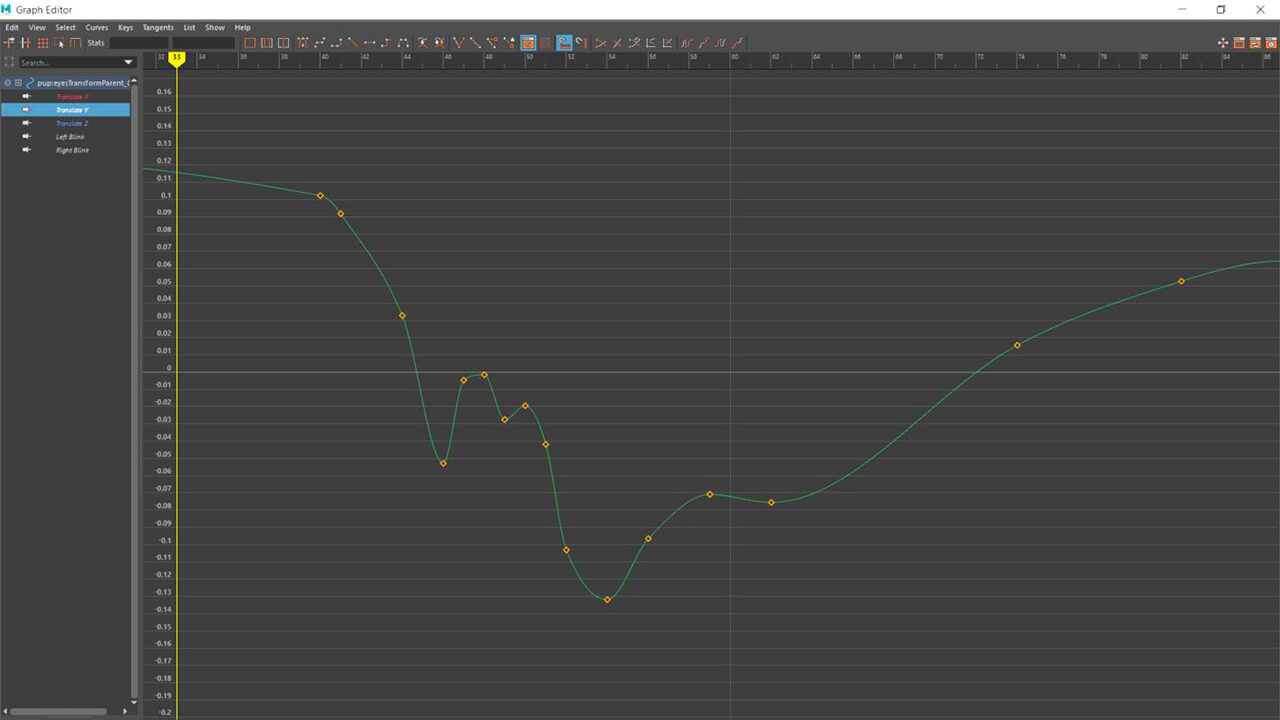
Retargeting generates keyframes on your rig using your poses and AutoSolve data. Select a pose group, hit Retarget, and review the results on the timeline.
Iterate as many times as needed — add poses for problem areas, delete ones that hurt results and retarget again. Use pruning, smoothing and the master timing tool to polish the final curves.
Features of Retargeter 5.0
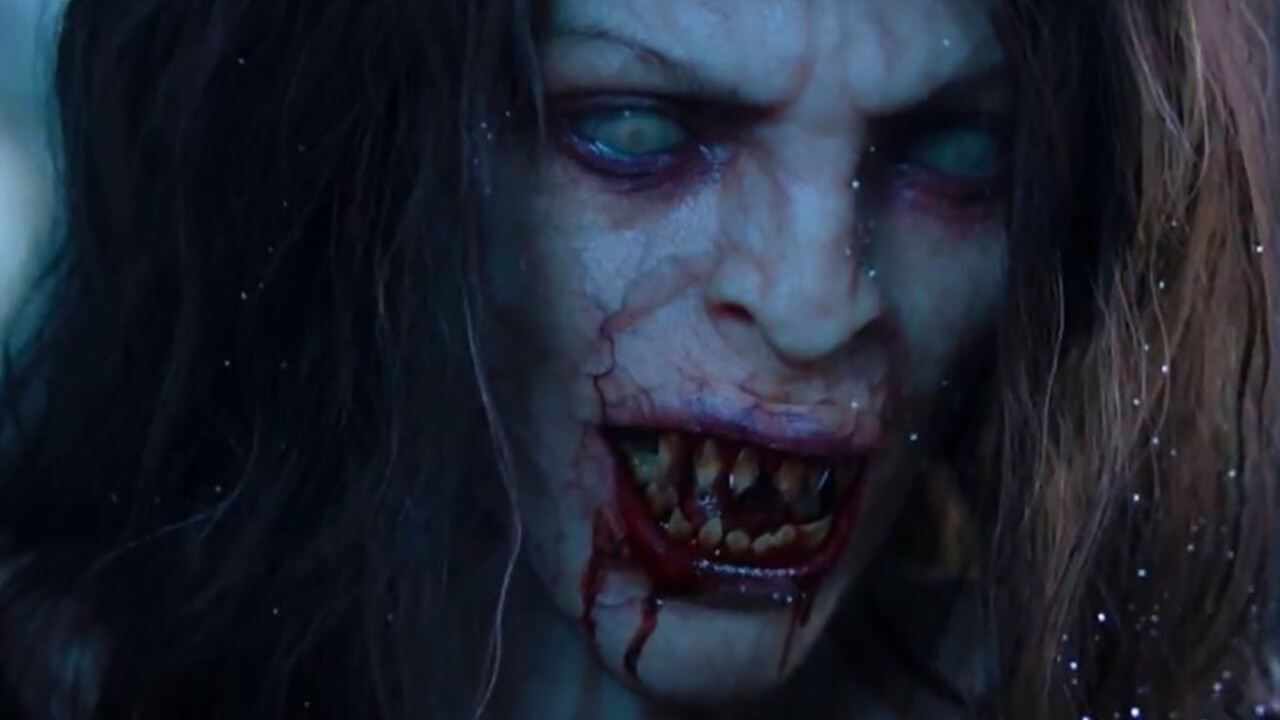
Apply human emotion to any digital character
Retargeter is a high quality facial animation and solving software that uses machine learning and deep learning to retarget facial motion from a tracked video onto a 3D Character.
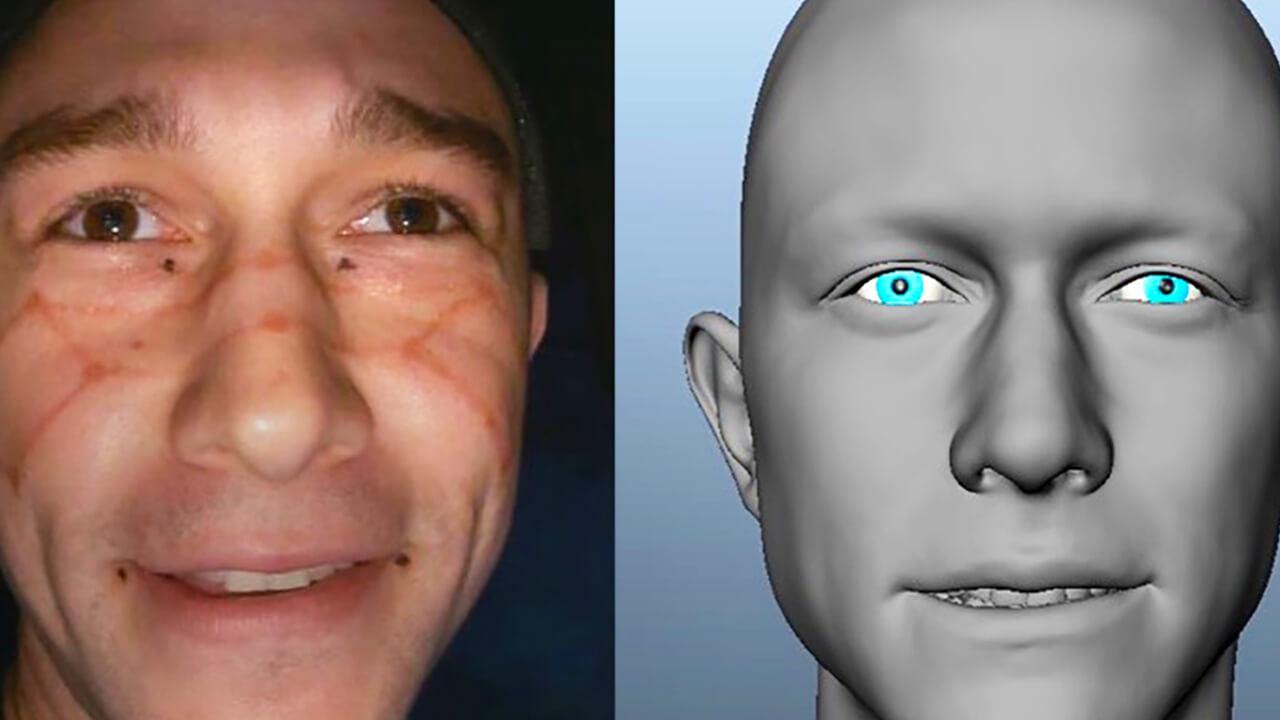
Setup and use any character rig
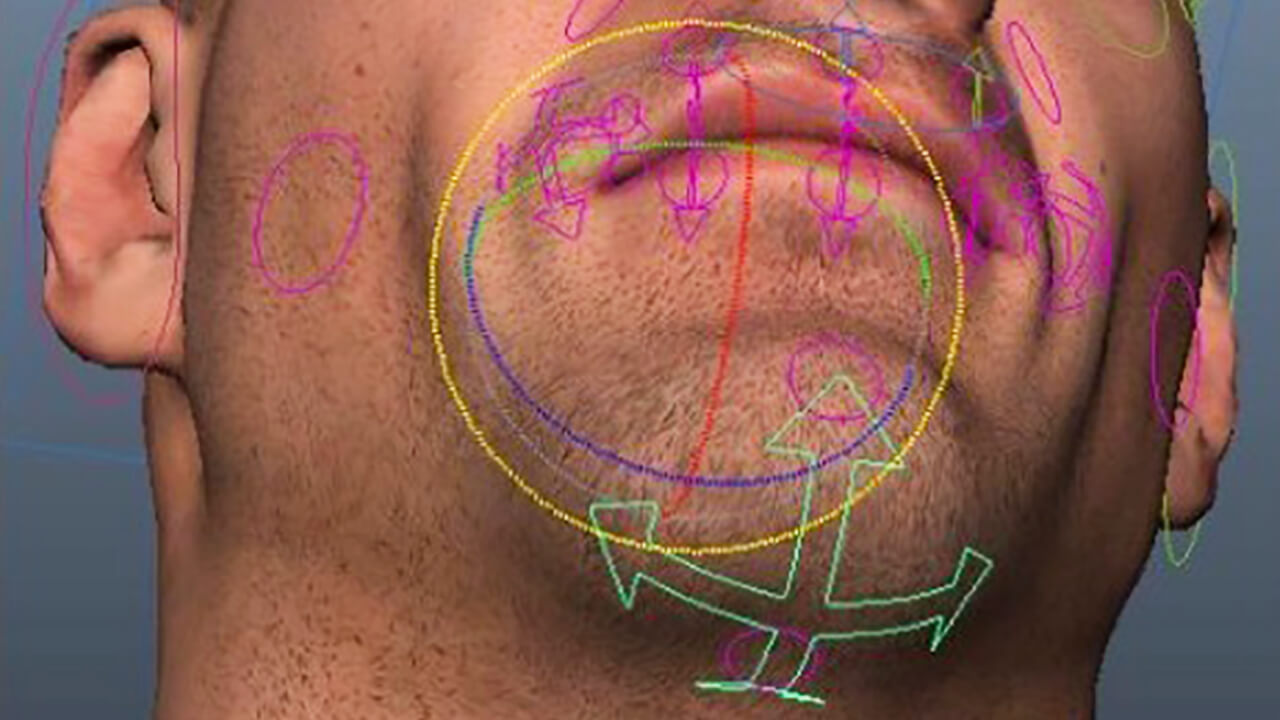
Say goodbye to complex rig requirements. The quality of your character is still extremely important but with Retargeter you have flexibility in how you build it. Retargeter can set keys on any keyable attribute; allowing you to work with bones, joints, blendshapes, morph targets, custom deformers, etc. Once you set these attributes in character setup, you are ready to create amazing, realistic animations.
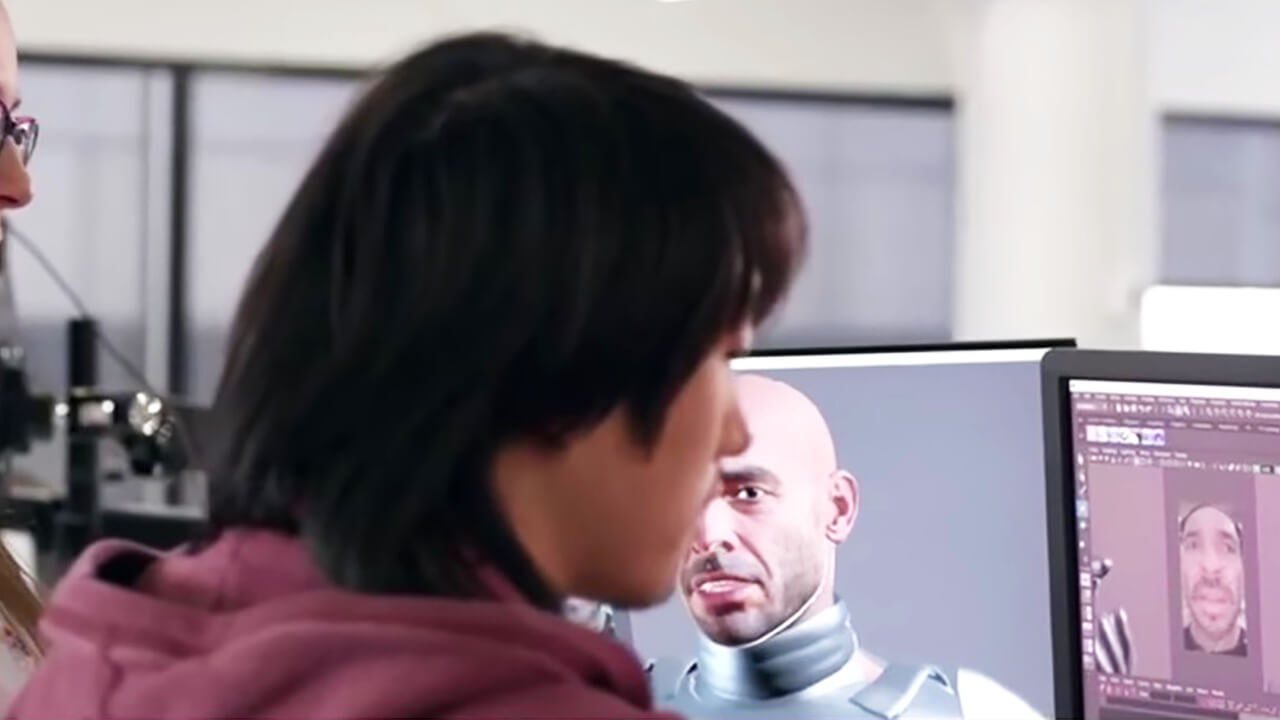
The best retargeting features designed for animators.
We believe that you shouldn’t need to be an expert in machine learning to create facial animation. Our products are designed by professional animators working in real productions. Our tools are simple and easy to understand, yet fully featured and capable of performing extremely complex and believable facial animation.
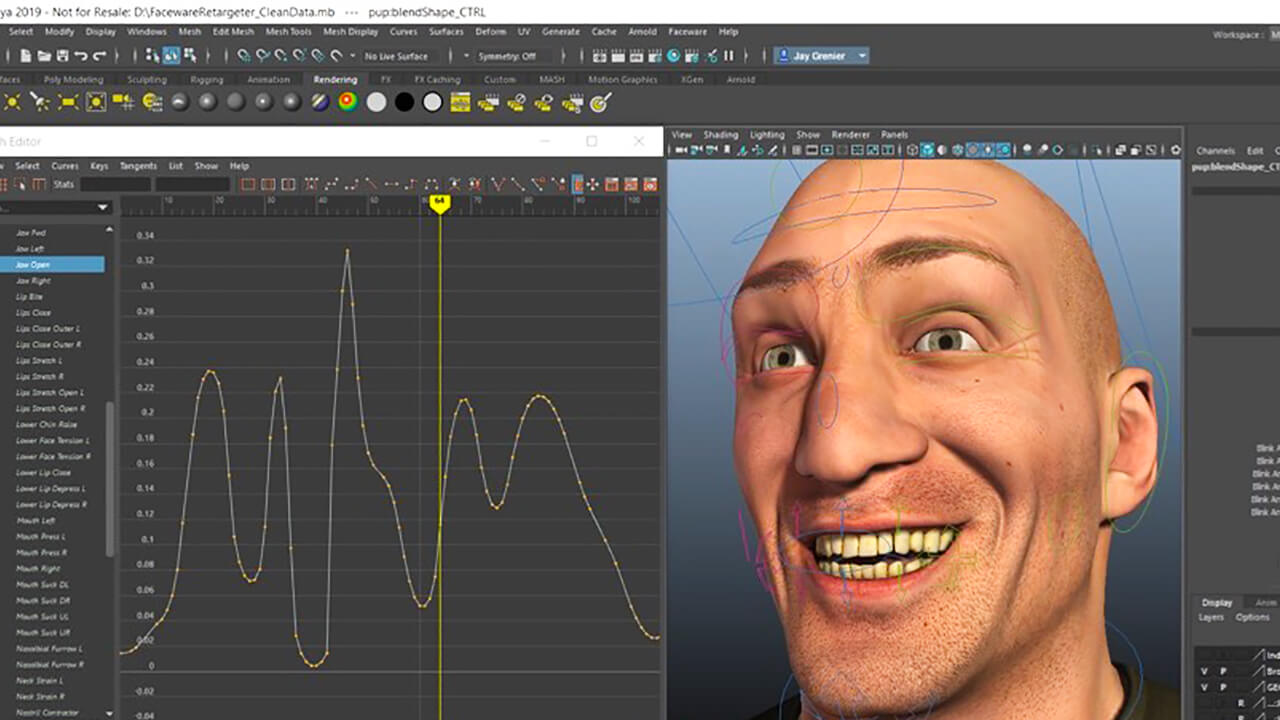
Clean data that’s easy to work with
We know you need software that is easy to use, intuitive, and guaranteed to work every time. Retargeter’s features take the stress out of keyframe changes and polishing. Data is applied very quickly so iterations are fast and efficient. Intelligent keyframe reduction (pruning), animation smoothing, a master timing tool, frame ranges, and several other features make working with our data very easy.
FREE easy-to-learn resources to get up to speed quickly
Our support team is second to none. Check out our huge gallery of video tutorials and online knowledgebase to get you started and teach you best practices for animating in Retargeter. You can also work directly with our Support Team to get the best results.
Distinguishing Features of Retargeter 5.0
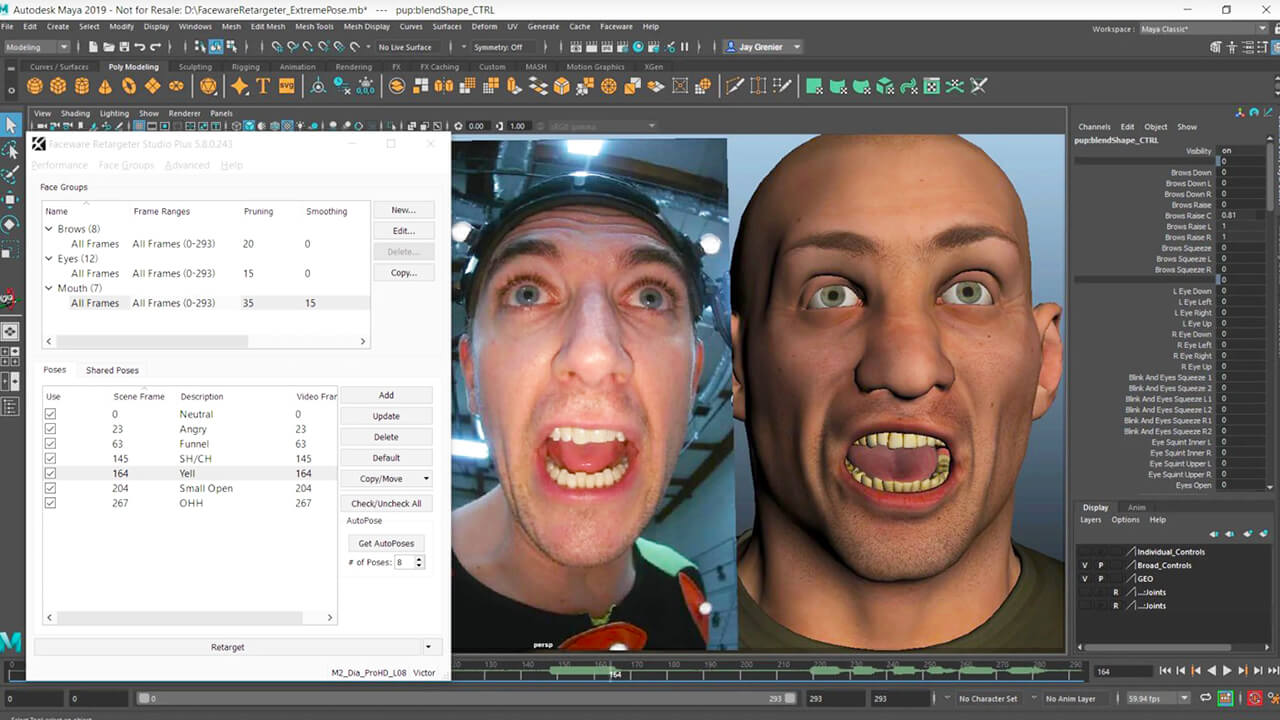
Retargeter's pose-based approach puts artistic control in the animator's hands. Identify the most expressive frames in a performance, pose your character on those frames, and let the solver interpolate animation across the entire shot.
Unhappy with the results? Adjust poses, add new ones or remove problematic ones and re-solve in near realtime.
Auto-Pose analyzes the tracking data and suggests the ideal frames for posing — the moments where the most significant facial shapes occur. It acts as a guide so you spend time posing where it matters most.
You can accept, skip or override any suggestion, keeping full creative control while saving setup time.
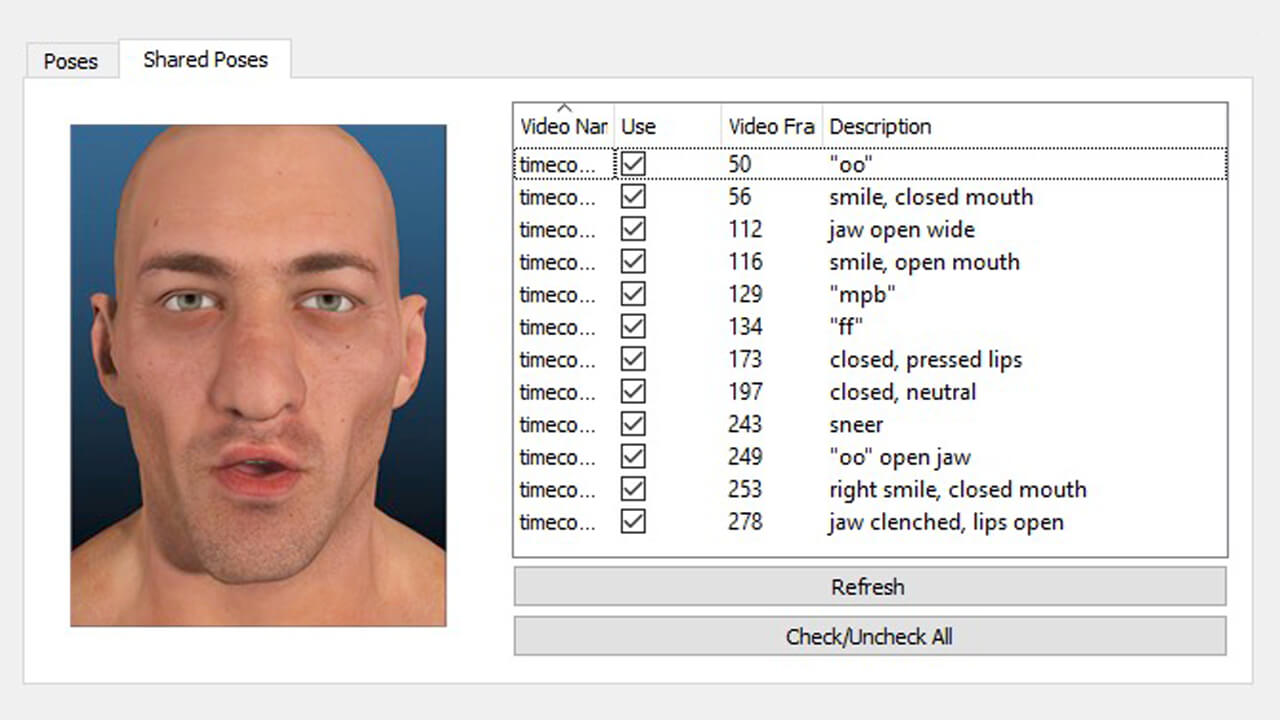
Store any pose you create in a Shared Pose Database for reuse across shots and across your team. Instead of building poses from scratch every session, import approved poses and let Auto-Pose apply them automatically on suggested frames.
Supervisors can curate a library of artistically approved poses that ensure consistency across an entire production.
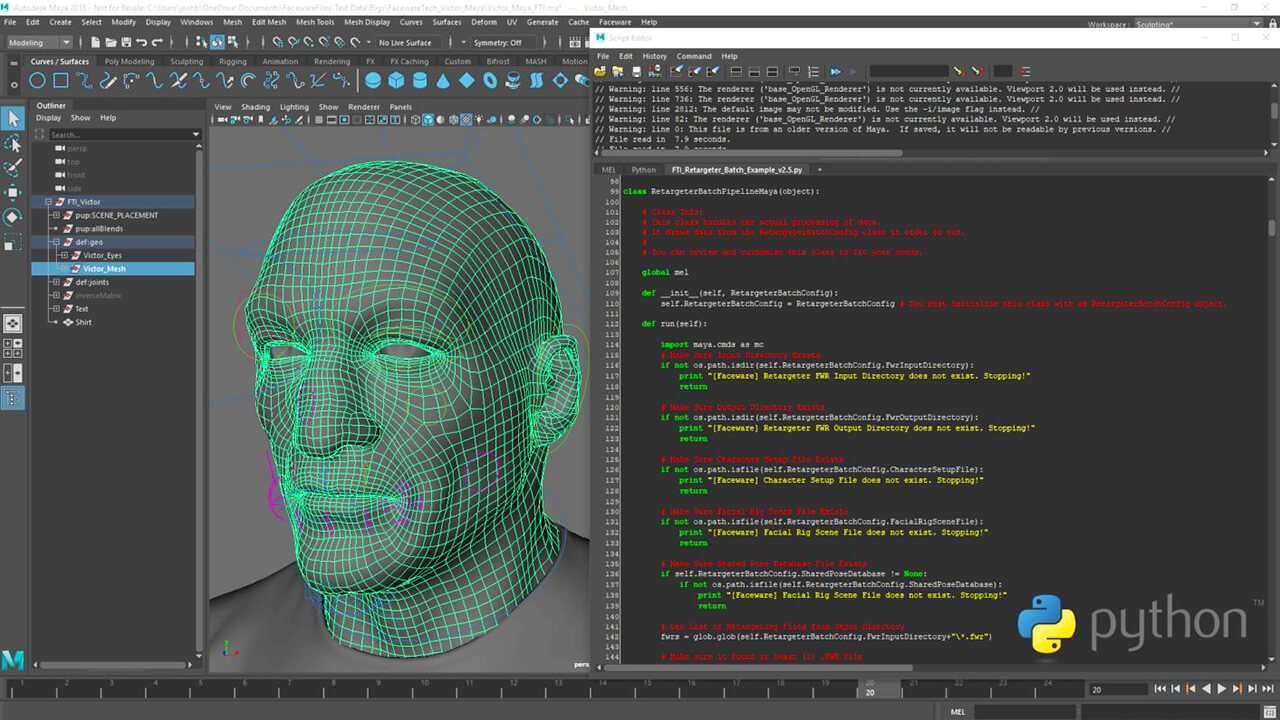
Since Retargeter is a plugin to the Autodesk 3D animation apps, batch scripting capabilities are based in running commands in the native scripting language of the host application. In Maya the batch scripting commands can be run in MEL or Python, in 3DS Max they can be run in Maxscript. Create rapid workflows for semi or fully-automated results.
Visit the Knowledgebase for a list of Maya Retargeter MEL Commands.
Retargeter integrates with the Autodesk tools you animate in currently.

Getting started with Retargeter
Explore the many free resources to help you learn Retargeter.

FAQS
Commonly asked questions about the Retargeter workflow and best practices for use in productions.
What type of rig can Retargeter work with?
From a technical standpoint Faceware can work with any type of rig. Joints, blendshapes, and all custom deformers can be driven and animated by our software as long as they can be keyframed. However, from a creative and artistic standpoint the layout and setup of animation controllers can have a large impact on the quality of animation that can be produced with Faceware.
What Autodesk versions do you currently support?
We generally support the same versions of Maya, 3DS Max, and MotionBuilder that Autodesk maintains support on—most commonly is the previous 4 years of releases. We currently support the 2018-2024 versions of each package.
How much can I animate in a day?
Every project varies, but we’ve seen most production-ready users achieving several minutes of animation in a day. If you further take advantage of the volume-producing features such as shared poses or batch automation, volume SIGNIFICANTLY increases—we’ve heard producers churn through 45,000 seconds of animation within a few weeks. As a rule of thumb, if you are not at least 3 times faster than keyframe animation contact us—through training we can ensure you achieve this minimum with our best practices.
Do I need to be connected to the internet to use Retargeter?
For the Studio Plus version of Retargeter, no internet connection is required. For Studio, Trial, and PLE versions, an active internet connection is only required during the initial credential check whenever the software is launched. During the actual tracking process, no internet connection is required.